
Sugargoo Spreadsheet for Product Finds, QC Photos and Shipping
Pick the product type first, compare proof and QC needs, then open the matching shopping path when the item is worth checking.
Open productsExplore Our Categories
Each category opens the matching main-site product area so buyers can browse shoes, clothing, bags, electronics and accessories with fewer extra steps.

Shoes
Size notes, outsole photos and box-label checks.

Jackets
Outerwear weight, zipper detail and lining review.

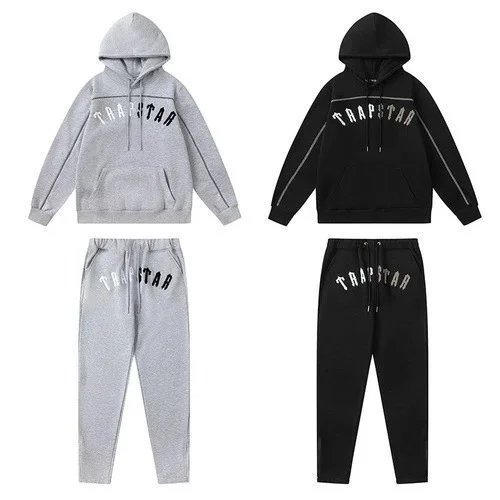
Hoodies/Sweaters
Logo placement, fabric weight and close-up photos.

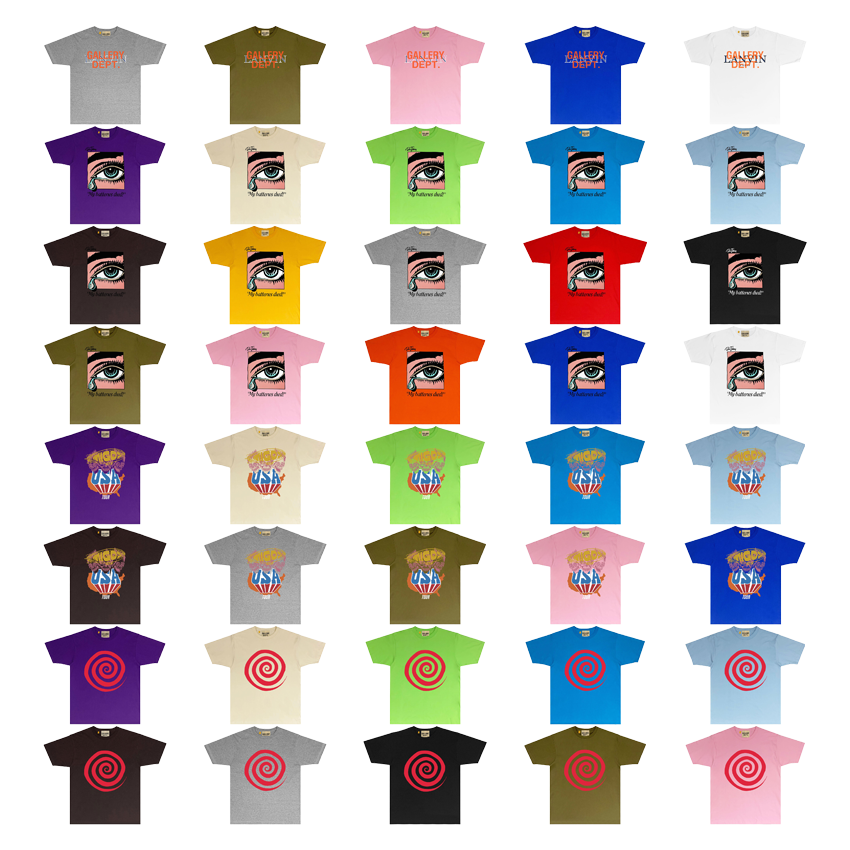
T-shirts
Print alignment, collar tag and shoulder-width checks.

Jersey
Season badge, name-set quality and boot sizing.

Pants/Shorts
Waist, inseam, fabric weight and fit notes.

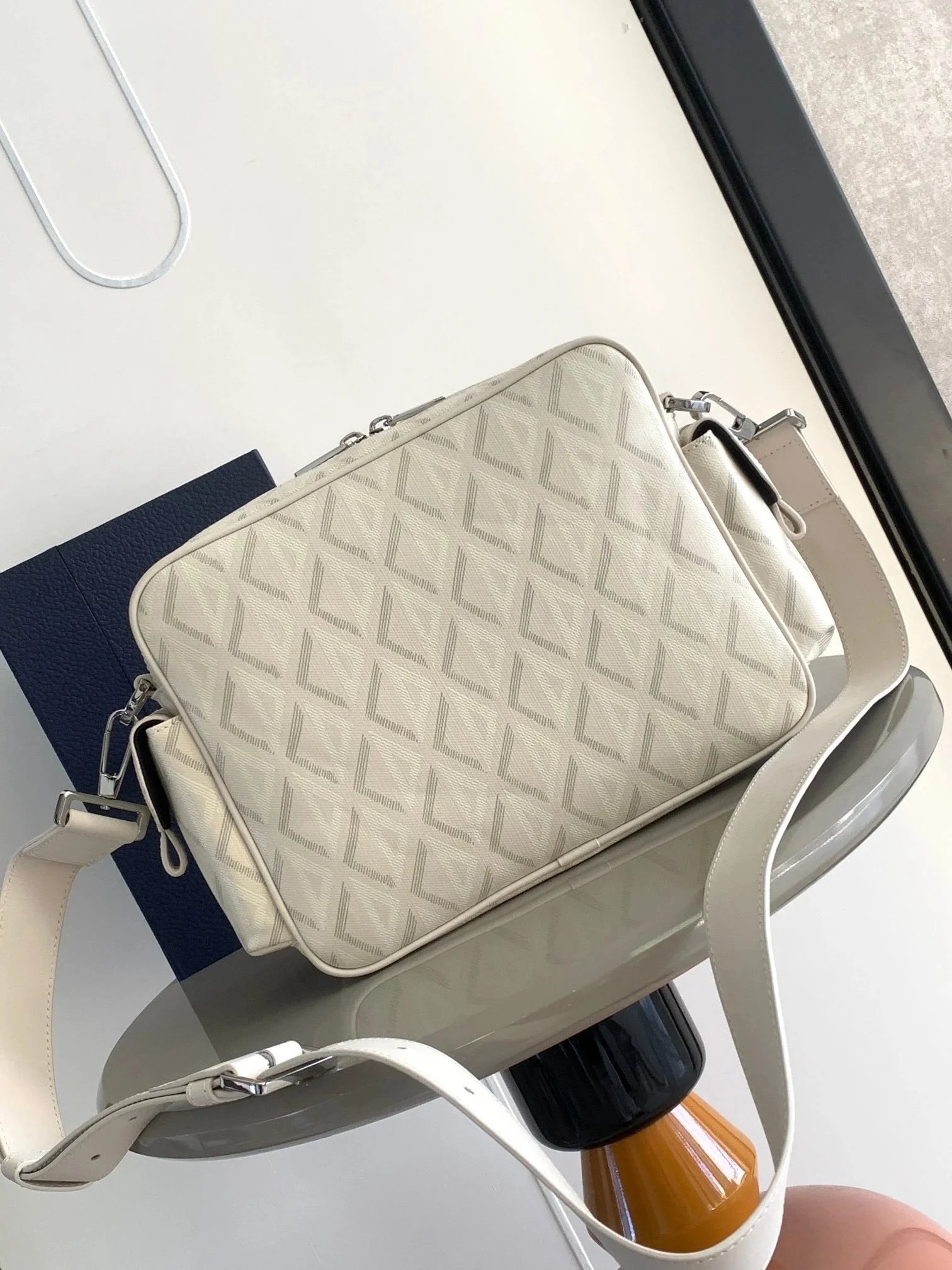
Bags
Hardware, stitching, interior and packaging proof.

Electronics
Model, plug, battery route and return-risk checks.
Fashion Shoes
Material, shape, sole proof and shipping-weight checks.

Accessories
Small-item value, bundle notes and seller proof.
Popular Products
A few real product paths from the main shopping site. Open the item, review photos and seller proof, then decide whether it belongs in your buying plan.

Frequently Asked Questions
Does this site sell products?
No. This is an independent buyer guide. Category and product buttons help buyers continue to the main shopping path or Sugargoo sign-up page when they are ready. Before ordering, check live price, stock, seller evidence, selected option and product photos.
Where do category cards go?
Each category card is meant to open a matching product area, such as shoes, T-shirts, hoodies, bags, electronics or accessories. Start with the category first so size notes, QC photos and shipping estimates match the item you want.
When should I use the Agent page?
Use the Agent page after choosing a product, when you need order note examples, QC photo requests, warehouse status checks or shipping preparation. The homepage stays focused on shopping; detailed instructions live in the guide pages.
What makes a product worth opening?
A strong product row has a clear source page, visible seller proof, matching option name, useful photos, reasonable price context and no obvious shipping problem. If the proof is weak, compare another item before checkout.
How do I use Popular Finds?
Use Popular Finds as a product research page. It helps you compare common shopping interests by category, then decide whether a shoe, hoodie, T-shirt, bag or electronics item has enough proof to continue.